-
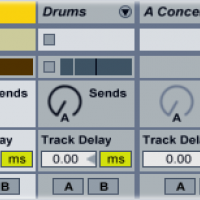
Return Track Tips & Tricks
Ableton’s Drum Rack instrument has its own integrated send/return section, which allows you to add return effects to individual drum samples.
Read More -
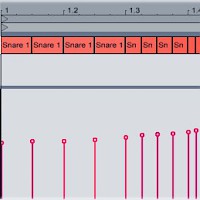
Snare Rolls
It’s been around forever, but the snare roll is still a dancefloor-devastating way to lead out of the breakdown and back into the beat. If your snare roll sounds too robotic and programmed, use MIDI velocity control to make it sound more natural. Program in a basic snare roll (four eighth notes, followed by four sixteenth notes, then eight 32nd notes).
Read More -
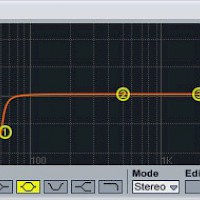
Mixing the Bass and Kick
Because the bassline and the kick drum are the two lowest-frequency elements of your track, they’ll often end up occupying the same space...
Read More -
How to Create a Multi-Sample in Ableton Sampler
Ableton’s Sampler plug-in is a powerful audio manipulation tool that lets you transform raw audio samples into a playable instrument.
Read More -
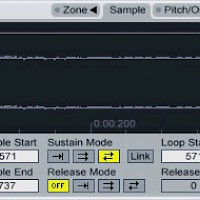
Make a Synth from a Sample
All sounds, synthesized or natural, are made up of waves. Most synthesizers produce simple, pure waveforms, while naturally occurring sounds are much messier — and more interesting.
Read More -
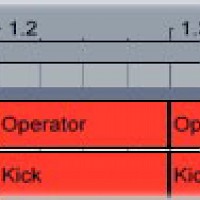
How to Make Sub-Kicks
If the kick sample you’re using isn’t beefy enough, layer it with a low-pitched synthesized sub-kick. The sub-kick adds bass without overly changing the tonal character of the kick.
Read More -
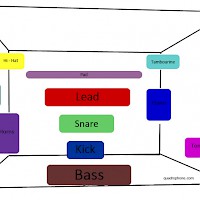
3-D Mixing
To prevent sonic conflict, each element in your track needs its own space in the mix. To help you put each element in its own space, think of the mix as if it were filling a room...
Read More -
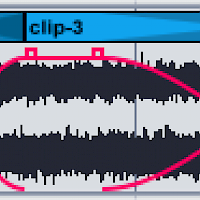
Extreme Sample Stretching
Stretching out audio can do magical things to it: hidden melodies appear, transients crumble into blurs, and tiny blips of sound turn into rich soundscapes.
Read More -

Arranging Dance Music
A dance track usually has a looser structure than a hip-hop or pop song — but it does have a structure. Following a structure when you’re arranging your track makes it more DJ-friendly — and therefore more likely to get played out in a club.
Read More -
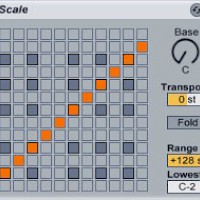
Using the Ableton Scale Plug-In
A musical key defines the relationship of the notes in a song. Without going into too much music theory, keeping the different elements of a track in the same key is essential to making them fit together musically.
Read More